



Q4 Shortcuts: Introduction
Introduction
Keyboard shortcuts are like secret spells you can pull out at just the right time. They’ll save you time, impress your friends, and make you feel like you’ve got superpowers at the keyboard. Once you master them, you can even teach your friends and family your “magic tricks. You will be uncovering shortcuts and bonus tips for your specific device.
learning objectives
I can:
- Use keyboard shortcuts on my computing device.
- Use keyboard shortcuts on a word-processing document.
- Teach three shortcuts to others.
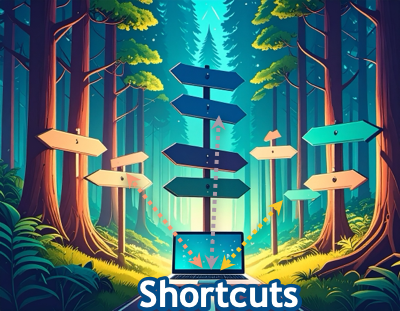
Before you go on: Check out the image below and discuss with a classmate the next two questions.
- When you see many paths ahead, how to you decide which one to take?
- How might learning keyboard shortcuts change the ‘path’ you normally take when using technology?


Competencies & Standards
MITECS Michigan Integrated Technology Competencies for Students
1. Empowered Learner
d. Students understand fundamental concepts of how technology works, demonstrate the ability to choose and use current technologies effectively, and are adept at thoughtfully exploring emerging technologies.
Websites and Documents
No Websites or Documents on this Introduction Page