



Q3 Calendar & Tasks: Introduction
4. Digital Workspace Essentials
INTRODUCTION
Practices, projects, social life, and school assignments: your schedule can fill up fast! Learn how to make your calendar work for you by adding events and tasks, setting reminders that repeat, and using colors to keep everything organized. You can even add other calendars so important dates are always at your fingertips!
LEARNING OBJECTIVES
I can:
- Access my calendar, add events and tasks.
- Schedule recurring and single events.
- Find other calendars to add to my calendar.
- Manage a calendar by adding and removing events and even changing colors for different types of events.
Before we Schedule...
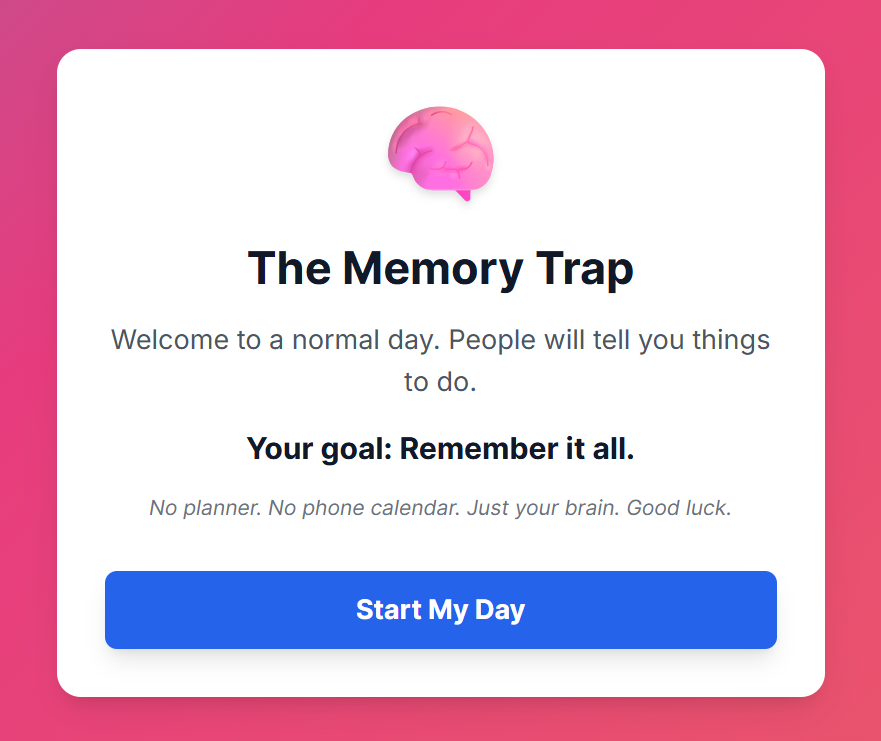
Often, we try to keep track of all the commitments in our lives by using nothing but our brains. Is that the best strategy? While playing through the quick simulation below, see how well you can manage a typical day without any digital tools.
Discussion Questions to keep in mind so that you are able to reflect on them with a partner or the class once you complete the simulation.
- How did it feel trying to remember all the specific times, locations, and details without having a way to keep track of them?
- What are likely outcomes of trying to keep track of all those items in just your brain all the time?


Websites & Documents
21T4S Resources
- The Memory Trap simulation