


Q4 Online Safety in Action: Safe Browsing
Operation Safe Surf
Your mission is to practice safe browsing on the web. In Safe Browsing, you will master the tools that keep player accounts and information safe in the Level Up Studios video game community.
- Install a security patch to stop hackers from stealing rare items through game glitches.
- Lock down privacy settings to prevent strangers from learning a player's real-world location.
- Master encryption and HTTPS to protect passwords and payment information in the game's store.
- Learn to spot dangerous downloads disguised as game mods or cheats.
- Sort good cookies from bad ones to stop ad companies from tracking what our players do.
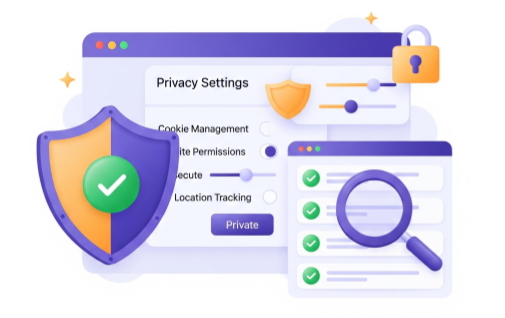
Step 1. Open the Q4. OSIA Safe Browsing App and complete all six missions while learning about staying safe online.
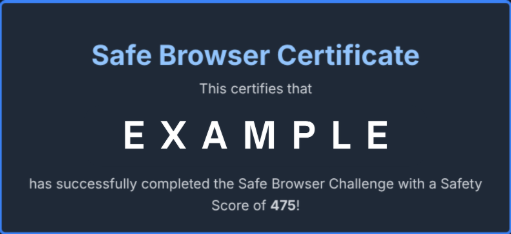
Step 2. After completing all six missions, you receive your Safe Browsing Certificate. Copy or download the image.
- Paste or upload your certificate to add to your Player Safety and Conduct Team portfolio.


Competencies & Standards
MITECS Michigan Integrated Technology Competencies for Students, and
2. Digital Citizen
a. Students manage their digital identity and understand the lasting impact of their online behaviors on themselves and others and make safe, legal and ethical decisions in the digital world.
b. Students demonstrate empathetic, inclusive interactions online and use technology to responsibly contribute to their communities.
c. Students safeguard their well-being by being intentional about what they do online and how much time they spend online.
d. Students take action to protect their digital privacy on devices and manage their personal data and security while online.
Websites & Documents
Websites