



QM5. Microsoft Word: Tables Introduction
INTRODUCTION
In this Quest, you will learn to create and format a table and enter information into the table. Keep up the good work!
lEARNING oBJECTIVES
I can:
- Add tables to my documents.
- Format a table.
- Enter information into the cells of a table.
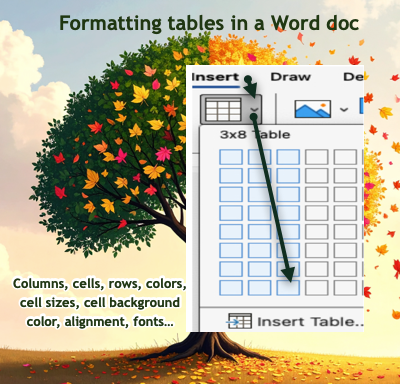 This is an image showing some of the activities done with tables in this Quest: columns, cells, rows, colors, cell sizes, backgrounds, colors, alignment, and fonts. It includes a screenshot of inserting a table that is 3 by 8.


Competencies & Standards
MITECS Michigan Integrated Technology Competencies for Students, and
1. Empowered Learner
a. Students connect their learning needs, strengths and interests to their goals and use technology to help achieve them and reflect on their progress.
c. Students use technology to seek feedback that informs and improves their practice and to demonstrate their learning in a variety of ways.
d. Students understand fundamental concepts of how technology works, demonstrate the ability to choose and use current technologies effectively, and are adept at thoughtfully exploring emerging technologies.
Websites and Documents
Websites/Apps
Videos from Outside Sources
21t4s Documents & Quizzes